The 7 Boring OpenClaw Workflows Businesses Actually Pay For
Originally published on OpenClaw Unboxed
Summary
Main Thesis
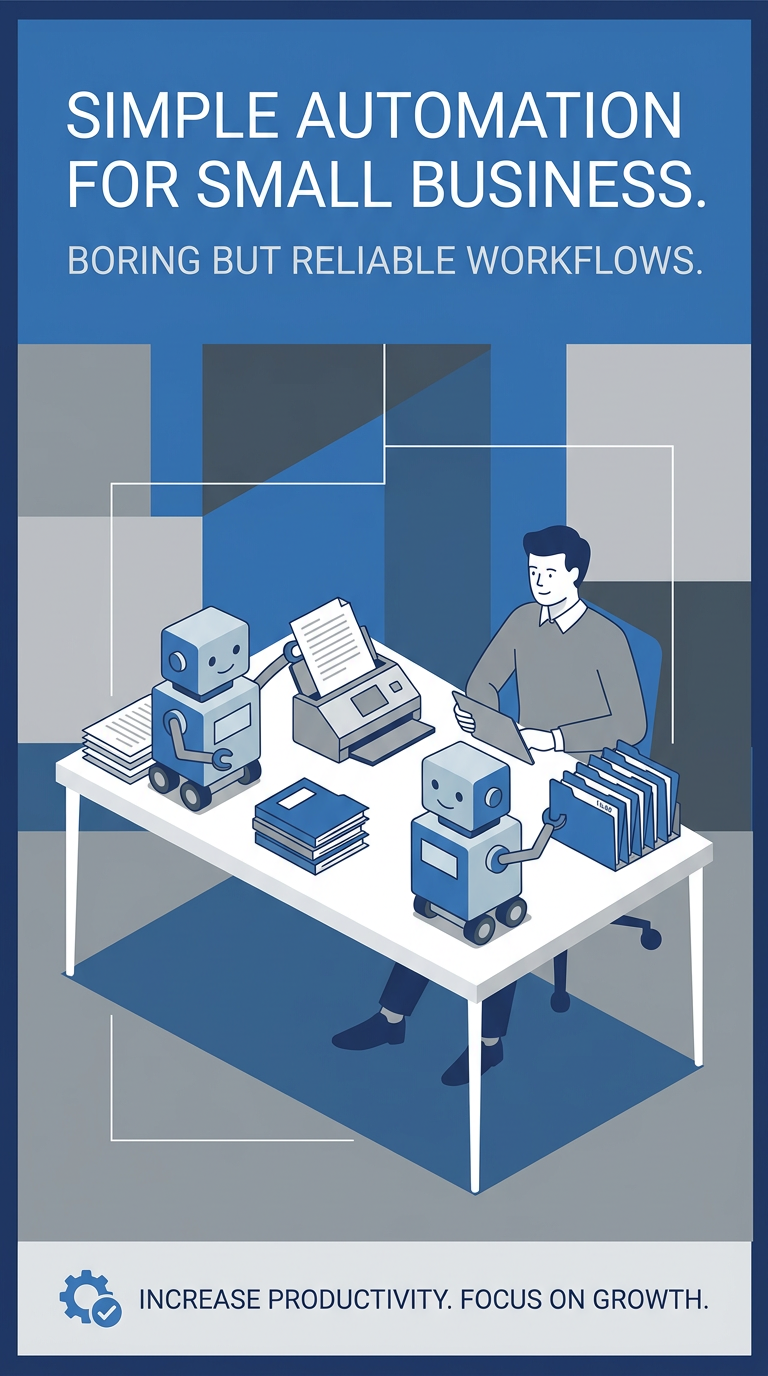
Most people building with OpenClaw are chasing flashy demos — multi-agent swarms, self-improving loops, “autonomous businesses”. The people actually getting paid are building boring, reliable workflows that run every day without falling apart.
Who’s Actually Paying
Businesses keep paying for narrow automations that:
- Reduce cost
- Reduce risk
- Recover revenue
The stuff that sticks is repetitive, measurable, and embedded into day-to-day operations. Not autonomous demos.
The Right Mental Model for OpenClaw
OpenClaw isn’t “an agent that does things.” It’s a trigger + workflow system:
| Component | Role |
|---|---|
| Heartbeat / Cron | When something runs |
| Lobster | What actually happens (deterministic workflow runtime with approval gates and resume tokens) |
| Memory | What survives (plain markdown: MEMORY.md for durable facts, memory/YYYY-MM-DD.md for daily logs) |
Why Most Workflows Fail
Not because the model is weak. Because the workflow is wrong:
- Too broad
- Too vague
- Too hard to measure
- Too dependent on the model “figuring it out”
- Too willing to act without clean boundaries
Bad: “Check my inbox and handle stuff intelligently”
Good: “Scan inbox → classify messages → surface only stale leads → draft reply → wait for approval → update CRM”
One’s a vibe. One’s a system.
The Buying-Threshold Filter
Before building, score each workflow 1–5 on these criteria:
- Frequency
- Pain
- Dollar impact
- Error cost
- Approval friendliness
- Integration simplicity
- Source-of-truth clarity
- Measurability
Score guide:
- 8–16: Content idea
- 17–24: Interesting but weak
- 25–32: Worth prototyping
- 33–40: Build this
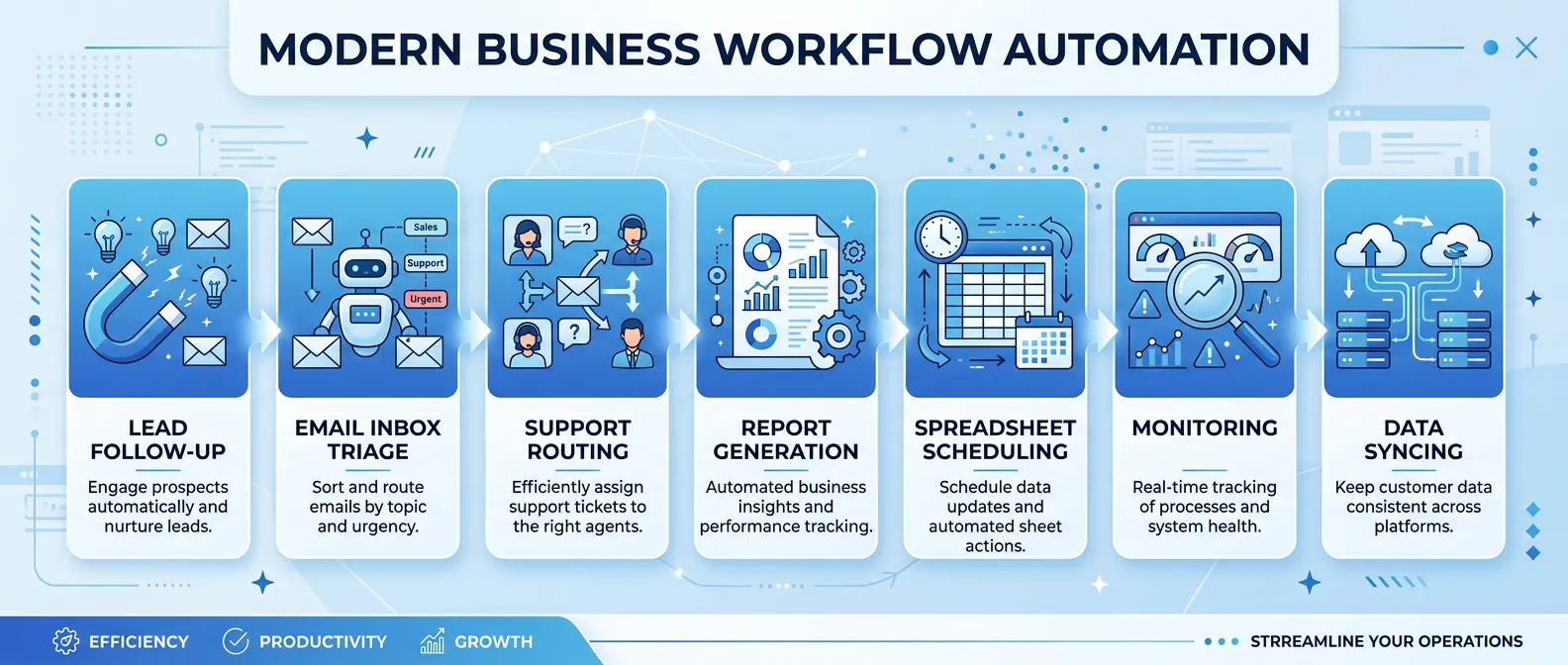
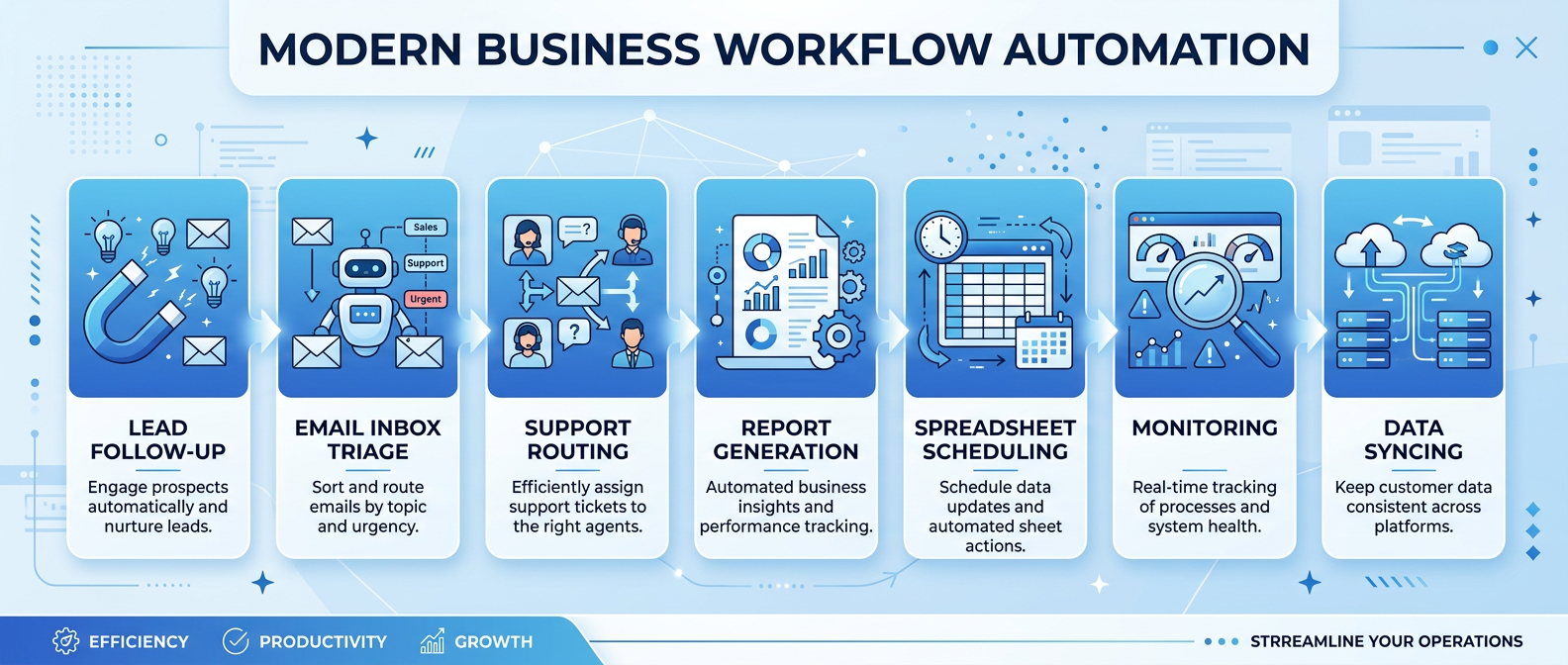
The 7 Workflows That Actually Get Bought
- Lead follow-ups — Automate outreach sequences for stale leads
- Inbox triage — Classify and surface priority emails
- Support routing — Categorize and route customer requests
- Report generation — Scheduled data compilation and formatting
- Spreadsheet cleanup — Normalize and validate recurring data
- Scheduling — Coordinate calendars, meetings, and bookings
- Ops monitoring — Watch metrics, alert on anomalies, escalate
Takeaway
The useful question isn’t “what cool thing can OpenClaw do?” — it’s “what repetitive workflow is expensive enough, common enough, and bounded enough that a business will happily pay to stop doing it manually?” That leads to much better businesses.
Infographics
Processed: 2026-03-21